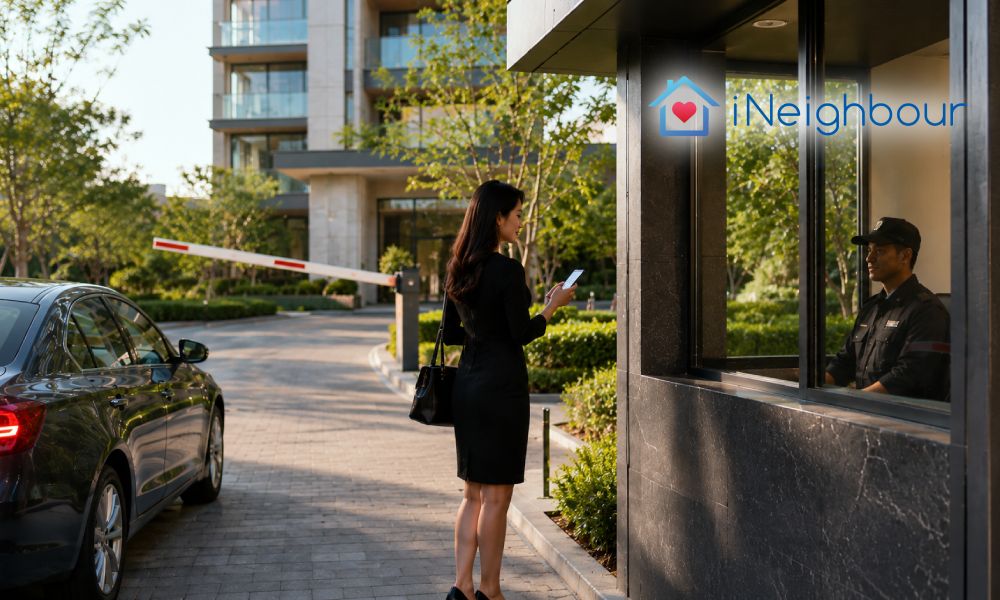
Here’s something we see often: a development already runs a full visitor system, and yet at the barrier the guard is still typing every arrival in by hand — name, IC, unit, purpose, plate. It’s not a failing. It’s habit. Manual sign-in is what the guardhouse has always done, and when there’s a queue building at 6pm, people reach for the routine they know. But the same system already offers a smoother path. Visitor pre-registration and self-registration let the visitor and the host do the entering, so the guard doesn’t have to.
The capability is usually already there. It’s the workflow that hasn’t caught up.
The Faster Way to Register a Visitor Is Already in the System
Registering at the barrier means the whole guardhouse moves at the speed of one person typing. That’s fine on a quiet afternoon and hard on a Friday evening. And when a guard is heads-down entering details, there’s little attention left for the things a guardhouse is there to do — seeing who’s already on-site, noticing an overstay, checking a plate against a blocklist.
None of this needs a new purchase or a bigger team. It needs the entry moved off the gate, so a visitor’s details exist before, or without, the guard touching a keyboard. There are three ways to do that, and most communities benefit from using all three, because visitors simply don’t all arrive the same way.
Three Paths That Take the Typing Off the Guard
iNeighbour supports three registration paths, each suited to a different kind of arrival.
1. Walk-in self-registration at the guardhouse
For visitors who turn up unannounced, the guard doesn’t have to type. The visitor pulls aside, scans the entrance QR poster, and enters their own details on their phone — name, IC, plate, host unit, purpose. They reach the guard only once that’s done, so the guard is looking at a completed record instead of a blank form. From there the guard reviews it, calls the unit owner to verify, and approves. The verification stays exactly the same — it’s the typing that moves off the gate, so the queue keeps flowing.
2. The host sends an invitation link
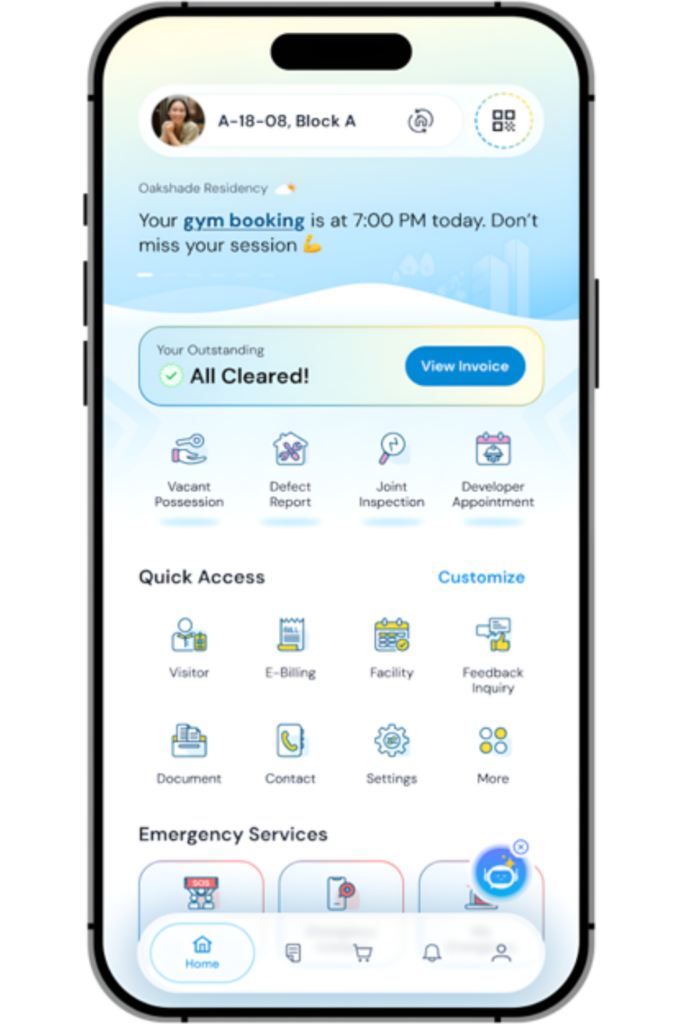
For expected guests, the resident can do the work ahead of time. The host creates a digital invitation and shares the link; the visitor registers through it, with single or multiple entry and multi-day validity as needed. Anyone who registers comes through pre-approved, so at the gate the guard just checks them in. This is also the path that makes group events manageable — a point we made in Why Most Condo Visitor Systems Cannot Handle Group Arrivals — because the entry work is shared among the guests rather than stacking up at the barrier.
3. The host pre-registers the visitor directly
Sometimes it’s easiest for the host to enter the details themselves — a regular cleaner, a family member, a booked contractor. The resident pre-registers the visitor in the app, and the visit sits as Expected before the car arrives. There’s nothing to register at the gate; the guard simply confirms the visitor against the record already waiting.
What This Frees the Guard to Do
Across all three paths, the guard moves from producing the record to confirming it. That’s the real gain. A guard who is reviewing and approving, rather than typing — has the time to call a host, watch the live on-site list, and respond to an overstay alert when it appears. The gate goes back to being a checkpoint rather than a data-entry desk.
| Registering at the barrier | Self- and pre-registration |
|---|---|
| Details typed at the gate, one visitor at a time | Details entered by visitor or host, before or beside the guard |
| Queue runs at the speed of one person typing | Queue keeps moving; entry happens in parallel |
| Guard occupied, little attention for the gate | Guard free to verify, call hosts, and watch live status |
| Record only as good as rushed gate typing | Record entered by the person who holds the details |
If your guards are still typing visitors in at the barrier, it’s worth knowing the system can already do it a better way. The habit is easy to change once the smoother path is set up.